

Brew with a target
Weigh dose and yield, then keep the brew recipe fixed enough to compare results.
R2 Extract workflow
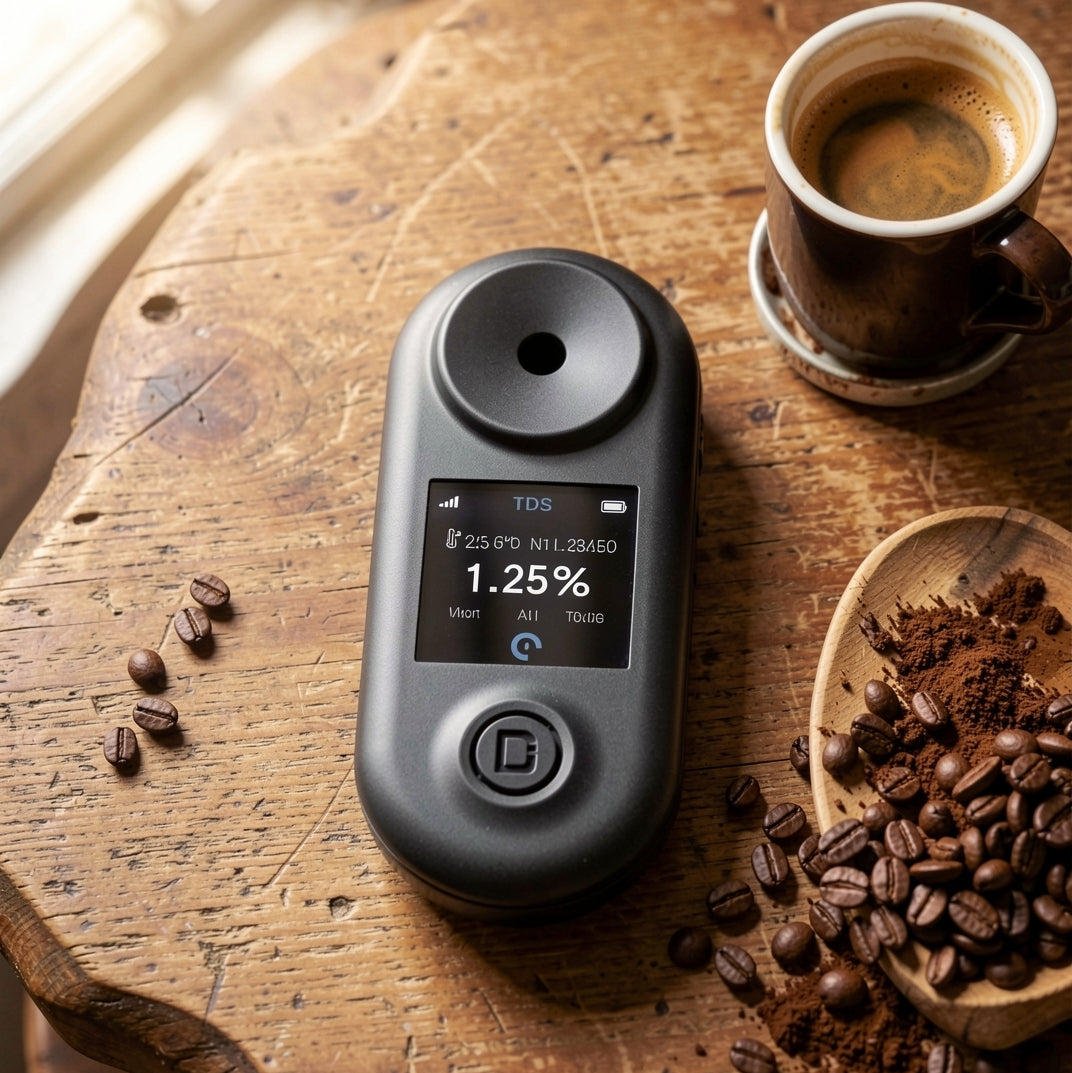
R2 Extract is for the moment after brewing: take a sample, measure TDS, then use CoffeeOS to connect that result to your recipe and extraction target.
Weigh dose and yield, then keep the brew recipe fixed enough to compare results.
Check dissolved solids with R2. For espresso, filter the sample first for the cleanest reading.
Sync the reading into CoffeeOS and see the result on the Brew Control Chart.
Change grind, ratio or time based on extraction data instead of guessing from taste alone.
Key details
Microbalance controls dose, time, yield and flow rate. R2 Extract checks TDS and extraction after brewing.
It measures coffee TDS, or total dissolved solids. This tells you brew concentration and helps you calculate extraction when paired with brew mass and recipe data.
Yes. The 0-30% TDS range covers espresso. For cleaner espresso readings, filter the sample first so oils and suspended particles do not distort the result.
Use distilled water when you want absolute comparability across devices and users. Use your brew water when you want daily extraction checks that reflect your actual recipe water.
Yes. R2 connects to CoffeeOS over Bluetooth so TDS readings can be logged with brew ratio and Brew Control Chart data.